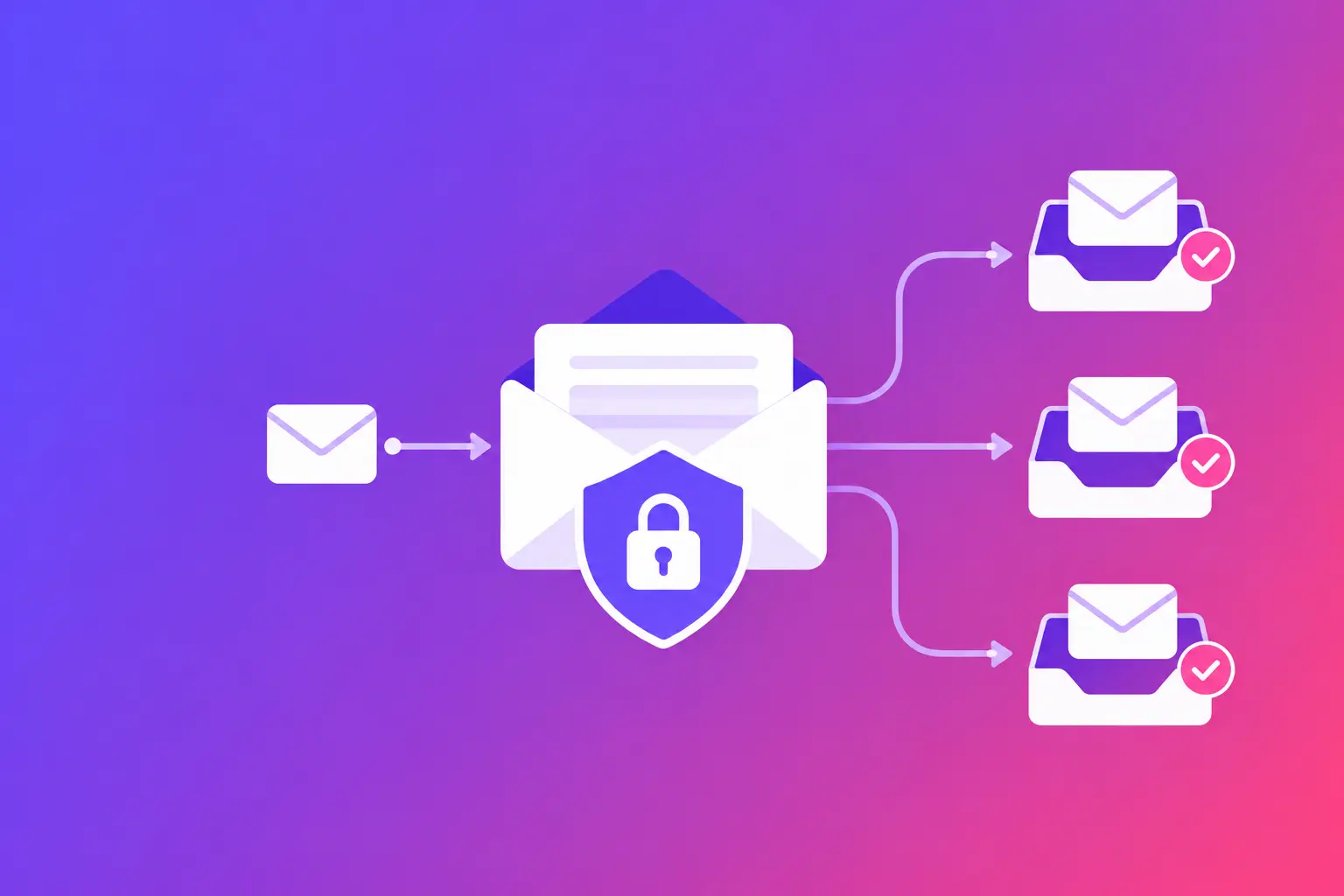
A client invoice, appointment reminder, or signed document often passes through more than one mail server before it reaches its destination. This email transport encryption guide gives you the straight answer: Transport Layer Security (TLS) protects email while it travels between compatible mail servers. It is a valuable control, but it does not encrypt messages end to end or fix every delivery problem on its own.
For a business, that distinction matters. TLS can reduce the chance that a message is read or altered while in transit. Mail Transfer Agent Strict Transport Security (MTA-STS) tells sending servers when they must use TLS for your domain. TLS Reporting (TLS-RPT) shows you when encrypted delivery attempts fail. Together, these controls give you more visibility and more control over a part of email that is usually invisible.
What email transport encryption actually protects
Email transport encryption uses TLS to create an encrypted connection from one mail server to the next. You may also see it called SMTP TLS, because it is used with Simple Mail Transfer Protocol (SMTP), the standard mail servers use to send messages.
When a sender's server connects to your receiving server, the two servers can negotiate TLS through a command called STARTTLS. If both sides support it and the certificate checks out, the message travels over an encrypted connection for that leg of its journey.
The important phrase is “that leg.” Standard business email is usually hop-by-hop, not end-to-end. A message can be encrypted between the sender and the recipient's mail provider, then stored in the recipient's mailbox according to that provider's settings. It can also pass through a filtering service, archive, or forwarding system. TLS does not prevent an authorized mailbox user from reading the message, and it does not replace careful decisions about what sensitive information belongs in email.
TLS also does not tell a receiving server that a message really came from your organization. That is the job of email authentication. Sender Policy Framework (SPF) identifies servers allowed to send for your domain. DomainKeys Identified Mail (DKIM) adds a cryptographic signature to qualifying messages. Domain-based Message Authentication, Reporting, and Conformance (DMARC) tells receivers how to handle messages that fail alignment checks. Brand Indicators for Message Identification (BIMI) can support approved brand display in participating inboxes when its requirements are met. These records serve different purposes, but they work best as part of the same domain health plan.
Why opportunistic TLS is not always enough
Most major email systems support TLS. That is good news, but the default approach is often opportunistic encryption. In plain language, a sending server tries to use TLS when it can. If it cannot establish a secure connection, it may fall back to unencrypted delivery instead of failing the message.
That fallback protects delivery continuity, but it creates a trade-off. You may prefer a delayed or failed message over a message sent without encryption. Or you may decide that maintaining delivery is more important for a particular type of non-sensitive operational email. The right answer depends on what your organization sends, who receives it, and what risk is acceptable.
Opportunistic TLS can also be vulnerable to configuration mistakes and downgrade attempts. For example, a sender may see a temporary TLS failure, an invalid certificate, or a server that appears not to support encryption. Without a published policy, that sender may use a non-encrypted connection if its own settings allow it.
MTA-STS addresses that gap for incoming email to your domain.
How MTA-STS sets a clear encryption rule
MTA-STS is a standard that lets a domain publish an enforceable policy for mail sent to its addresses. It tells participating senders two things: which receiving mail servers are valid for your domain and whether TLS is required to reach them.
An MTA-STS setup has two parts. First, you publish a small DNS record at `_mta-sts.yourdomain.com` that signals a policy exists and identifies its version. Second, you host a policy file over HTTPS at a required web address. The policy lists approved mail exchanger, or MX, host names and a mode.
The modes are straightforward. `testing` asks participating senders to check the policy and report problems without enforcing it. `enforce` requires TLS and a valid certificate when delivering to the MX servers listed in the policy. `none` effectively disables enforcement and is rarely useful once you are ready to protect mail flow.
The exact fix is to begin in testing mode, review the reports, and move to enforce only after you confirm that every listed MX host is correct and can present a valid TLS certificate. A simple typo in an MX name can cause legitimate mail to fail. So can an outdated policy after a mail provider migration.
MTA-STS is designed primarily to protect mail received by your domain. Your outbound mail server should still be configured to use TLS whenever recipient servers support it. If you use a hosted email provider, much of the outbound TLS behavior may be managed there. You still need to understand your provider's routing, any security gateway in front of it, and any system that sends mail using your domain.
What must match before you enforce
Before changing the policy to enforce mode, verify four areas together:
- Your public MX records point to the mail servers that actually receive mail for your domain.
- Every MX host in the MTA-STS policy matches the real host names, including any required wildcard pattern.
- Each receiving server offers TLS with a valid, current certificate for its host name.
- Your policy file is reachable over HTTPS and your DNS record points to the current policy version.
This is not busywork. MTA-STS can only protect the route you have accurately described. If your organization uses a cloud mail provider, a secure email gateway, or a separate inbound archive, map the real path before publishing the policy.
Use TLS-RPT to see failures you would otherwise miss
TLS-RPT is the reporting companion to MTA-STS. It uses a DNS record at `_smtp._tls.yourdomain.com` to tell participating senders where to send reports about TLS connection failures and MTA-STS policy problems.
Reports are machine-readable, usually delivered as aggregate data. They can reveal certificate errors, unsupported TLS versions, policy mismatches, DNS failures, and connections that could not be encrypted as expected. You will not get a copy of every message or message content. You get operational evidence that a sending system had trouble reaching your domain securely.
That visibility is especially useful after changes. A certificate renewal, new security gateway, DNS cleanup, or mail platform migration can affect encrypted transport without creating an obvious outage. TLS-RPT can show the pattern before it becomes a pile of “we never got your email” calls.
Reports do have limits. Not every sender supports MTA-STS or sends TLS-RPT data. A clean report does not prove every message was encrypted, and a report from one large provider does not describe all senders. Treat it as a useful monitoring signal, not a universal audit record.
A practical setup order for small and midsize businesses
Start by documenting who handles your incoming and outgoing email. Include your primary email provider, website forms, billing software, customer relationship management system, copier or scanner, and any marketing or appointment platform. A system can send from your domain without receiving mail, but its settings still affect your overall domain posture.
Next, check your MX records and confirm which servers receive mail. Then inspect their TLS availability and certificates. If you manage your own mail server, your IT team should confirm supported protocol versions, certificate renewal processes, and the configuration that advertises STARTTLS. If a provider manages the servers, confirm the documented MX names and do not guess at policy entries.
Publish MTA-STS in testing mode. Add TLS-RPT at the same time so you can collect useful failure data. Give the reports time to arrive, then resolve the issues they identify. Once the policy matches your live mail route and reports show no recurring configuration problem, move to enforce mode.
Review the setup whenever you change email providers, MX records, inbound security tools, or certificates. Treat MTA-STS as a living operational record, not a one-time DNS task. Also keep SPF, DKIM, and DMARC current. Authentication and transport encryption solve different problems, but a domain with gaps in either area gives recipients less reason to trust its mail.
If your team cannot make DNS, HTTPS hosting, or mail-server changes safely, that is a good point to involve a qualified administrator. The goal is not to add records quickly. The goal is to publish records that match your actual infrastructure.
Your concrete next step: run MailArrive's free email health check and review the Report Card for your domain's MX, MTA-STS, TLS-RPT, authentication, and related configuration issues in plain language.