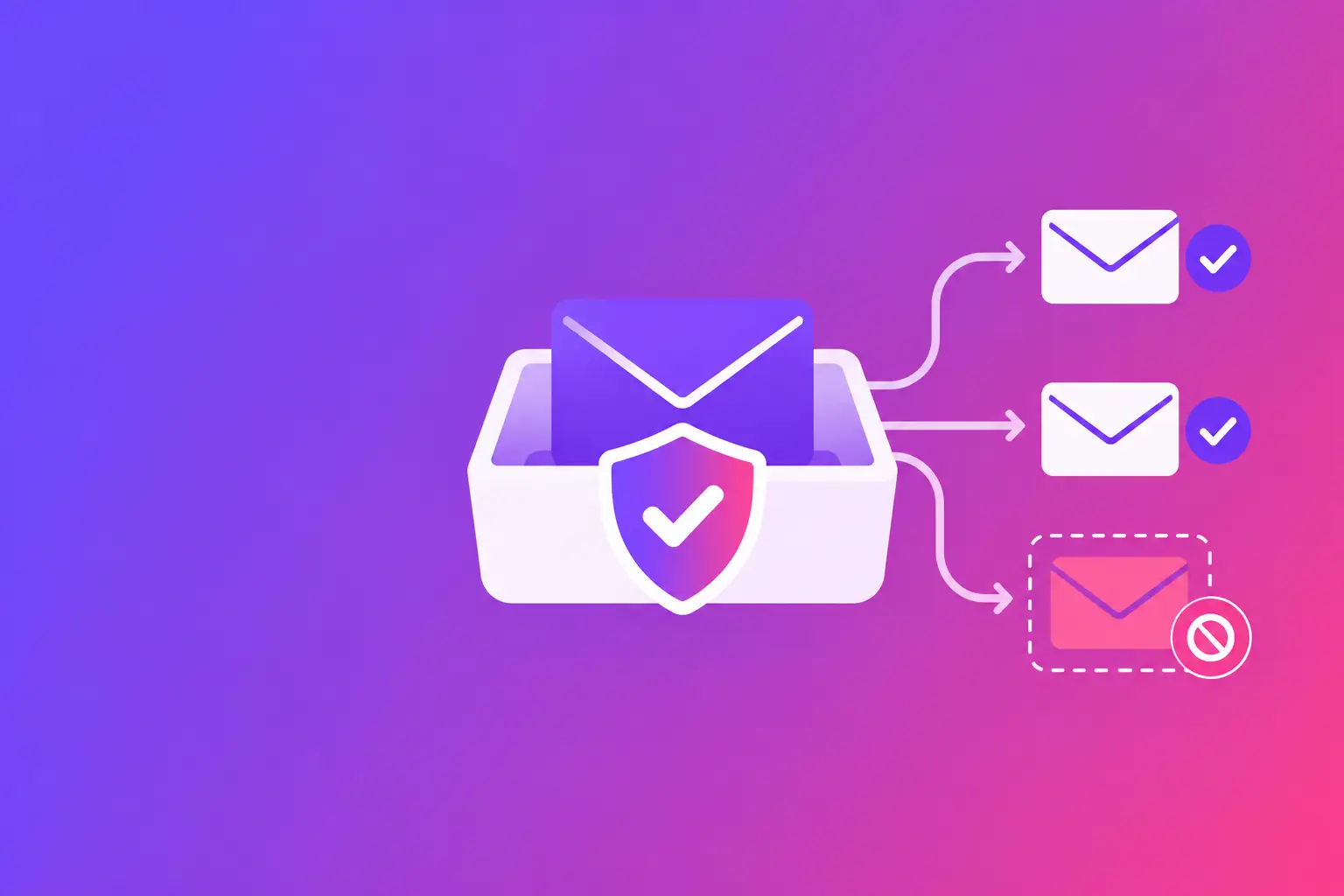
A customer sends an invoice question, a staff member replies, and the message never reaches the inbox. Instead, it sits in quarantine for review or is released only after a delay. The most common email quarantine reasons are failed authentication, suspicious content, sender reputation problems, and the recipient organization's security rules. The straight answer is that quarantine is a protective holding area, not always a permanent rejection.
For a business, that distinction matters. A quarantined appointment reminder, contract update, or support reply may still be delivered if the recipient or their administrator releases it. But repeated quarantine events can disrupt work and weaken trust. Finding the reason lets you apply the exact fix instead of guessing at the message itself.
What email quarantine means
Email quarantine is a folder or security queue used by the receiving mail system. It holds a message that appears risky but does not clearly deserve an immediate rejection. The recipient, their IT team, or an automated policy may decide whether to release, delete, or report it.
Quarantine is different from spam placement. A spam message generally lands in the recipient's junk folder, where they may see it. A quarantined message may be visible only to an administrator, depending on the recipient's settings. A rejected message is different again: the receiving server refuses it and usually sends a bounce notice back to the sender.
The receiving organization controls its own quarantine settings. You cannot force another company's system to release your email. You can, however, make your domain, sending system, and message easier for that system to verify.
The main email quarantine reasons
Authentication does not match the sender
Authentication failures are among the most common causes. Receiving systems want evidence that the service sending an email is allowed to use your domain name.
Sender Policy Framework, or SPF, is a Domain Name System, or DNS, record that lists the mail servers and sending services authorized to send for your domain. If you use a marketing platform, customer relationship management system, website form, or office email service that is not included in SPF, recipients may see an unauthorized sender.
DomainKeys Identified Mail, or DKIM, adds a cryptographic signature to outgoing email. The receiving system checks that signature against a public DKIM record in DNS. A missing, broken, or misaligned DKIM signature makes it harder to confirm that the email was sent by a legitimate system.
Domain-based Message Authentication, Reporting, and Conformance, or DMARC, ties SPF and DKIM together. It tells receiving systems what to do when authentication fails and checks whether the domain displayed in the From address aligns with the authenticated domain. A message can pass a technical SPF check but still fail DMARC if the visible From domain does not match correctly.
Exact fix: Identify every system that sends mail using your domain, including your primary mailbox provider, website, invoicing tool, and marketing platform. Review SPF for authorized sources, enable DKIM for each supported sender, and publish a DMARC record that matches your current setup. Do not add records blindly. An incorrect SPF record can break legitimate mail, especially when it exceeds lookup limits or replaces authorized senders.
The message resembles a phishing attempt
Email security filters look for patterns used in phishing and fraud. A message may be quarantined when it asks for payment, includes a login link, uses urgent language, contains an unexpected attachment, or appears to impersonate another person or company.
That does not mean your message is malicious. An accounts receivable email with a PDF invoice and payment instructions can look similar to a fraudulent message when the recipient has never heard from your domain. First-contact messages and changed payment details receive extra scrutiny for good reason.
Exact fix: Make the message easy to recognize. Use your normal sending domain and a consistent From name. Explain why the recipient is receiving the message before asking them to open an attachment or take action. Send invoices from the same established address whenever possible. If a document can be shared through an authenticated customer portal, that may reduce attachment-related concern, but it depends on your recipient's workflow.
Avoid changing a familiar sender address just to make a message look different. Consistency helps recipients and filters establish a legitimate pattern over time.
Attachments, links, or file types trigger policy
Some organizations quarantine messages based on attachment type, password-protected files, compressed folders, or links to newly created and unfamiliar websites. Their policy may block certain files for every outside sender, including trusted vendors.
A legitimate file can still create friction. For example, a password-protected archive may prevent the receiving system from scanning its contents. A link shortened by a third-party service can hide its final destination. Large attachments may also be routed through extra inspection.
Exact fix: Send common business file types only when they are necessary, and use clear file names. Link directly to a known, secure destination rather than using a shortened or redirected address. If the recipient expects a sensitive document, tell them what it is and who it is from in the body of the email. When a recipient's policy blocks a required file type, ask for their approved delivery method rather than repeatedly resending the same message.
Your domain or sending address has a weak reputation
Reputation is a receiving system's estimate of how trustworthy a domain, sending server, or Internet Protocol, or IP, address has been over time. A new sending domain has little history. An established domain can develop a poor reputation when it generates many complaints, sends to outdated addresses, or is associated with suspicious activity.
One bad message does not automatically create a reputation problem. Patterns matter. A sudden increase in bulk messages, inconsistent sending sources, or many failed deliveries can make filters more cautious. A domain or IP address listed on a blocklist may also lead to quarantine, though each recipient uses its own rules and a listing is not proof that every message will be blocked.
Exact fix: Send business email only to people who expect it, remove invalid addresses from recurring sends, and investigate unusual volume quickly. Keep transactional messages, such as appointment confirmations and password notices, separate from marketing campaigns when your systems allow it. Review blocklist status and sender reputation as part of routine domain maintenance, not only after a customer reports a missing email.
The recipient's security policy is stricter than usual
Sometimes your mail is correctly configured, your message is ordinary, and it still goes to quarantine. Law firms, medical offices, financial teams, and larger organizations often use tighter controls because the cost of a malicious message is high.
Their system may quarantine all external messages containing links, messages sent from new domains, or emails that use words associated with payment changes. It may also require a recipient to manually approve a first-time sender. This is not necessarily a problem you can fix from your side.
Exact fix: Confirm the recipient's address, ask whether they have a quarantine notice, and have them add your address or domain to their approved sender list if their policy permits it. Do not ask them to weaken broad security controls. A targeted approval for an established business relationship is usually the practical path.
How to diagnose a quarantine event without guessing
Start with the delivery details. If you receive a bounce or non-delivery report, save the full text. It may identify an authentication failure, reputation issue, policy rule, or content concern. If the sender sees no bounce, ask the recipient to check their quarantine notifications or have their administrator search the security logs.
Next, compare the affected message with mail that arrives normally. Did it come from a different address or sending platform? Did it include a new link, attachment, or payment request? Did your company recently change email providers, website forms, or DNS records? Those changes often explain why a problem appeared suddenly.
Then separate a one-recipient issue from a broader domain issue. If only one organization quarantines your messages, their policy may be the main factor. If several unrelated recipients report the same problem, review authentication, DNS records, sending sources, and reputation first.
Fix the cause, not just the one message
Releasing a single email solves an immediate problem, but it does not improve the next message. The lasting fix depends on the cause: correct DNS authentication for identity problems, clearer message construction for content problems, better list and sending practices for reputation problems, or coordination with the recipient for organization-specific policy.
Do not treat quarantine as a reason to send the same message repeatedly from different addresses. That can create more suspicion and make troubleshooting harder. Keep a record of the sending address, recipient domain, message type, time sent, and any error text. Those details give your IT team something concrete to investigate.
For a plain-language view of the authentication, DNS, and reputation issues that can contribute to quarantine, run MailArrive's free email health check and review your Report Card. It grades the domain and points to the specific records or sending issues worth fixing first.