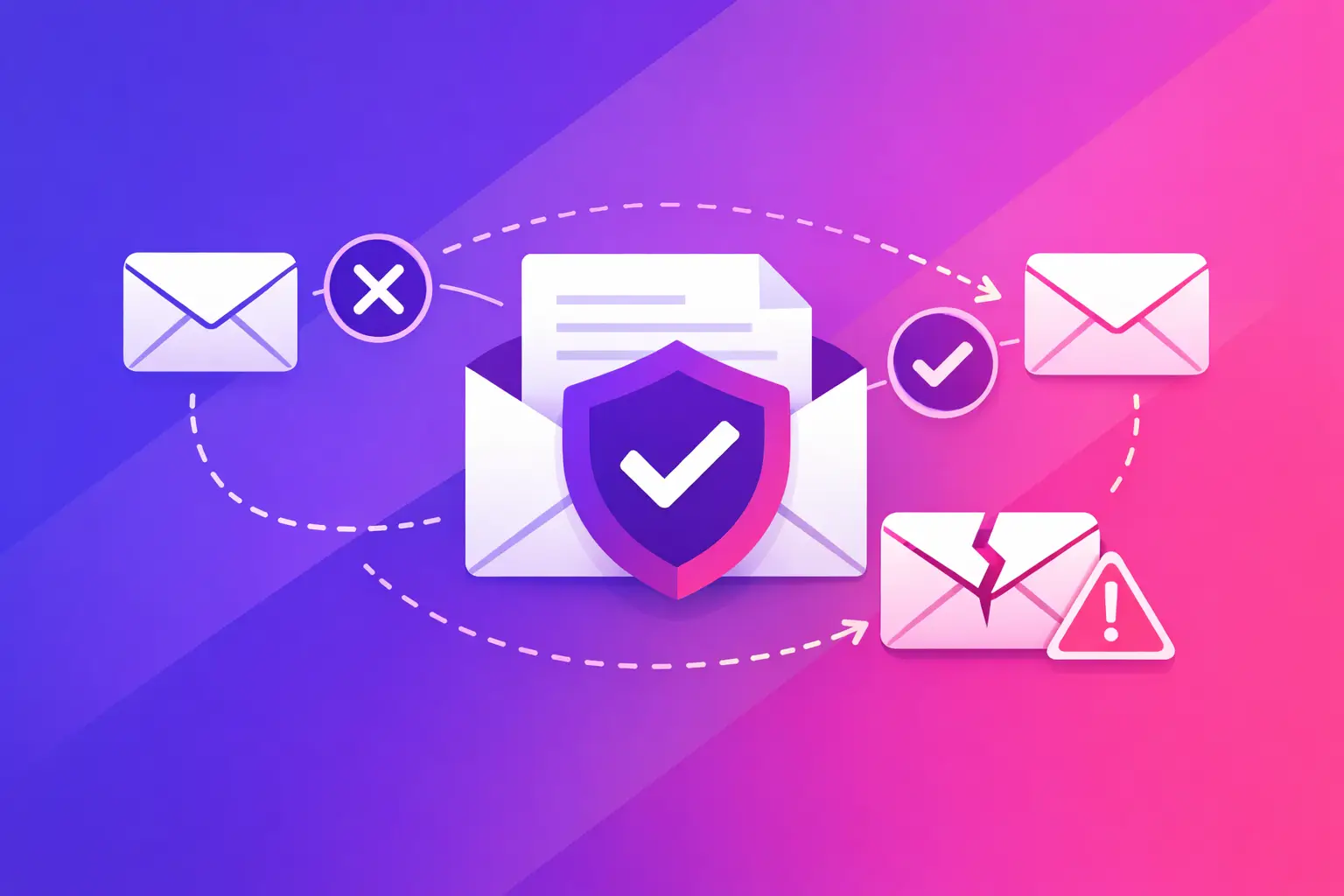
A recipient server reports a DKIM failure when it cannot prove that a message was signed by an authorized domain and that the signed parts of the message stayed unchanged. That is the straight answer to why does DKIM fail. The cause is usually not the email copy itself. It is commonly a missing or incorrect DNS record, a signing configuration problem, or a message that changed after it was signed.
DKIM stands for DomainKeys Identified Mail. It adds a cryptographic signature to an outgoing email. The receiving server uses a public key published in your Domain Name System (DNS) records to check that signature. When the check passes, the receiver has evidence that the message came through a system authorized by the signing domain and was not materially altered in transit.
A DKIM failure does not automatically mean every message will go to spam or bounce. Recipient systems weigh several signals. But repeated failures remove a valuable trust signal, can cause DMARC failures, and make delivery less predictable for invoices, appointment notices, sales follow-ups, and client communications.
Why Does DKIM Fail During Authentication?
DKIM has two parts that must match: the signature added to the email and the public key published in DNS. The signature identifies a selector, which is a short label used to locate the right DNS record. If either side is wrong, the recipient cannot validate the message.
The DNS record is missing, malformed, or published in the wrong place
A DKIM public key is normally published as a TXT record under a name like `selector._domainkey.yourdomain.com`. A common error is putting the key at the root domain, using the wrong selector name, or copying only part of the record. A single missing character can make the key unreadable.
Another frequent issue is multiple TXT records that conflict. Some email platforms require one long key, while DNS providers may split long values into quoted segments. Splitting can be valid when the DNS provider handles it correctly, but manually adding extra spaces, quotation marks, or duplicate records can break lookup.
The exact fix is to compare the selector in a recent message header with the selector in DNS. Then confirm that the complete public key appears at that exact hostname. If your email provider generated the record, use its current value rather than reusing an old key from a prior setup.
Your sending system is not signing the message
Your domain may have a valid DKIM record but still fail because the service sending the email does not add a DKIM signature. This happens when a new marketing platform, customer relationship management system, copier, website form, or help desk tool sends mail using your address without being fully authenticated.
Check the headers of a message sent from each source. Look for a `DKIM-Signature` header. If it is absent, the sender is not signing. The fix is usually inside that service's domain authentication settings, where you add the provider's DKIM DNS records and activate signing for your domain.
Do not assume your main mailbox provider covers every sender. Microsoft 365 or Google Workspace may sign employee mail, while an invoicing system or online form uses a different mail stream entirely. Each source needs to be accounted for.
The private key and public key do not match
The sending server holds the private key. DNS holds the matching public key. If a server rotates its private key but DNS still contains the old public key, verification fails. The same problem can occur after a migration, an email security gateway change, or a partial rollback of an email platform configuration.
Key rotation is good security practice, but it needs coordination. Publish the new public key before or at the same time the sender begins using the new private key. If more than one sending system uses the domain, give each system its own selector. That makes changes easier to test and reverse without interrupting other mail.
A gateway or forwarder changes the email after signing
DKIM verifies selected headers and portions of the message body. If a system modifies one of those signed elements after the signature is applied, verification can fail. Common examples include a mail gateway adding a disclaimer, a forwarding service rewriting the subject line, or a list service changing message formatting.
This is why a message can pass DKIM when sent directly but fail when it reaches a particular recipient or forwarding path. The sender may be configured correctly. The alteration happened later.
The fix depends on where the change occurs. If your own gateway adds banners or footers, configure it to make changes before DKIM signing, or have it re-sign messages after modification. If a third-party forwarder is changing the message, you may not control the result. In that case, focus on ensuring your direct sending path is correctly authenticated and that your DMARC policy is appropriate for your mail flow.
The signature has expired or uses an unsupported setup
DKIM signatures can include an expiration time. A message delayed too long in a queue may fail after that time. Older cryptographic settings can also create compatibility problems, especially if a platform still uses weak keys or retired signing methods.
Use current provider guidance, a 2048-bit RSA key where supported, and reasonable signature expiration settings. Not every platform supports the same options, so avoid changing key types or algorithms without confirming what your mail provider and DNS host support.
DKIM Failure vs. DMARC Failure
DKIM and DMARC are related, but they are not the same result. DMARC stands for Domain-based Message Authentication, Reporting, and Conformance. It checks whether SPF or DKIM passes and whether the authenticated domain aligns with the visible From address.
SPF stands for Sender Policy Framework. It lists the servers allowed to send mail for a domain. DKIM proves the signed message can be validated against a domain's published key. DMARC uses those results to help receiving systems evaluate whether the visible sender identity is trustworthy.
A message can have a DKIM pass but still fail DMARC if the domain in the DKIM signature does not align with the From domain. For example, a vendor may sign its own domain while sending a message that appears to come from your business. That signature is valid, but it may not satisfy DMARC alignment for your domain.
The practical fix is to authenticate third-party senders with your own domain where the service supports it. Confirm both the DKIM signing domain and the visible From domain. This matters most before moving a DMARC policy from monitoring to enforcement.
A Fast Way to Troubleshoot a DKIM Failure
Start with one failed message, not a guess. Open its full headers and find the authentication results. You are looking for the DKIM result, the signing domain shown as `d=`, and the selector shown as `s=`. Those details tell you exactly which DNS record the recipient attempted to use.
Then check the published record at `selector._domainkey.yourdomain.com`. Confirm that it exists, contains a complete public key, and belongs to the sending service you are testing. Next, identify the actual sender. The visible From address can differ from the server or application that transmitted the message.
If the record exists and the sender is signing, compare a direct test with a message that passes through your normal gateway, forwarding rule, or list. A direct pass and forwarded failure point to message modification. A missing signature points to sender configuration. A bad or missing DNS lookup points to the record or selector.
Avoid making several DNS changes at once. Change one item, allow for DNS propagation based on your provider's time-to-live setting, and send a new test. That approach gives you a clear result and prevents one correction from hiding another issue.
When You Need Help With the Fix
Some DKIM fixes are simple copy-and-paste DNS changes. Others require access to your DNS host, email platform administrator settings, mail gateway rules, or application vendor configuration. If several systems send as your domain, document each one before rotating keys or changing DMARC settings. A quick fix in one platform can interrupt a sender you forgot was still active.
Your next step is to run MailArrive's free email health check and review the Report Card. It grades your domain's DKIM, SPF, DMARC, DNS, and related records in plain language, so you can identify the failed record and take the exact fix to the person who manages your email or DNS.