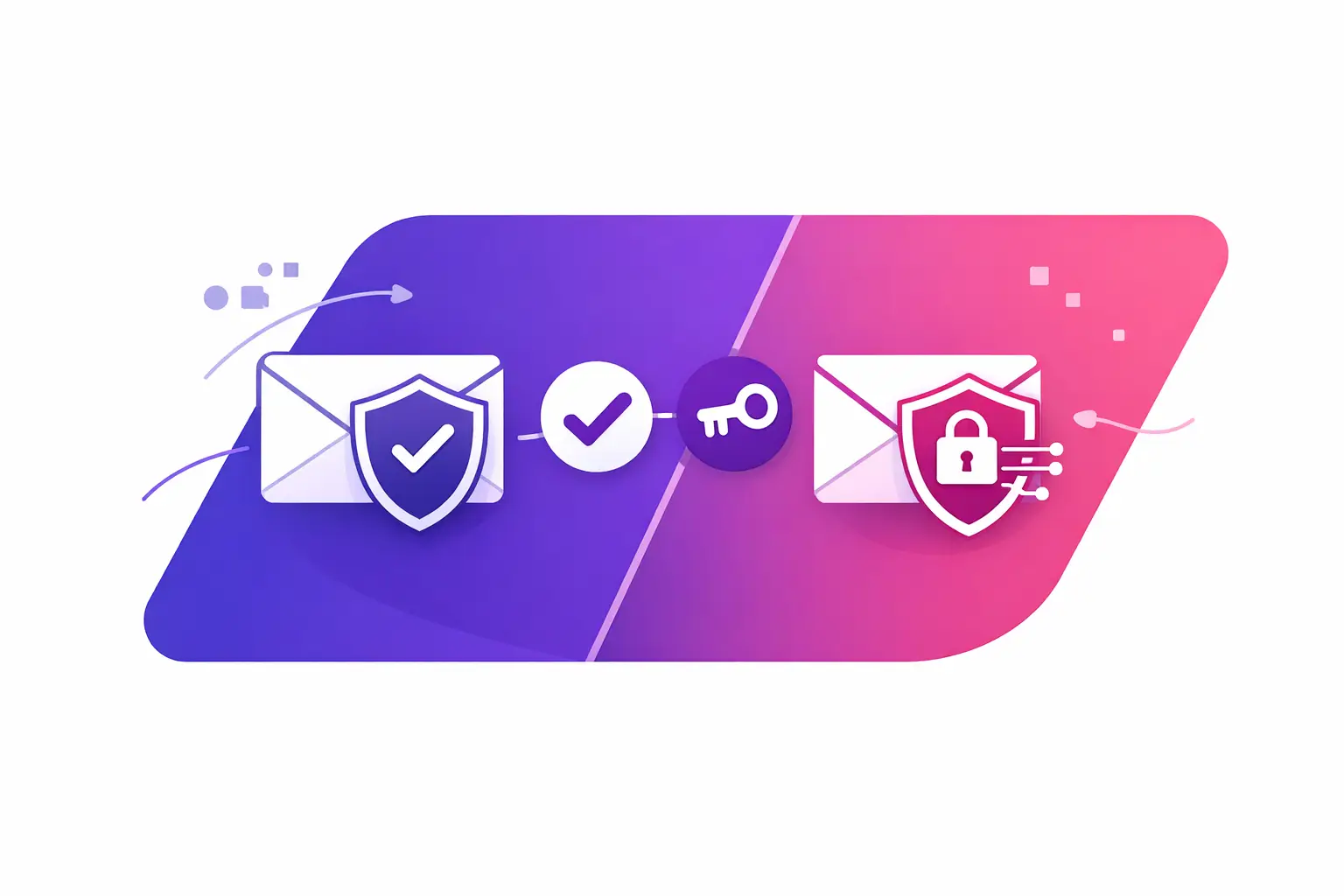
A practical SPF DKIM comparison starts with the straight answer: SPF and DKIM solve different email trust problems, and most business domains need both. SPF checks whether a sending server is allowed to send for your domain. DKIM adds a signed digital identifier that lets receiving mail systems verify the message was authorized and was not changed in transit.
If either record is missing, incorrect, or outdated, legitimate invoices, appointment reminders, sales follow-ups, and client updates can face more scrutiny at the recipient's mail server. Authentication is not a promise that every message will reach the inbox. It is a basic signal that tells receiving systems your email is genuine and properly configured.
SPF vs. DKIM: The Plain-Language Difference
SPF stands for Sender Policy Framework. It is a text record in the Domain Name System, or DNS, that lists the mail services permitted to send email using your domain. When you send a message from you@yourcompany.com, the recipient's server can check whether the server that delivered it appears on your SPF record.
Think of SPF as an approved sender list. If your company sends through a business email provider, a marketing platform, a customer relationship management system, and an invoicing tool, each service may need authorization in SPF. A service that is not included can fail the check even when your staff sent the email legitimately.
DKIM stands for DomainKeys Identified Mail. It uses cryptographic signing. Your sending service adds a hidden signature to each outgoing message. The recipient's server looks up a public DKIM key in your DNS and uses it to confirm the signature is valid.
Think of DKIM as a tamper-evident seal. It shows that an authorized system signed the message and that key parts of the message have not been altered after signing. Unlike SPF, DKIM is attached to the message itself rather than relying only on the server connection used to deliver it.
The difference matters because email often passes through more than one system. SPF can be affected when a message is forwarded. DKIM can often continue to validate after forwarding, provided the message was not modified in a way that breaks the signature.
What SPF Protects and Where It Falls Short
SPF answers one specific question: Is this sending server authorized by the domain owner? That makes it useful for identifying mail sent from unauthorized infrastructure.
A correct SPF record begins with `v=spf1` and ends with a policy such as `-all` or `~all`. Between those parts are the authorized services, commonly written as `include` statements or IP addresses. Your exact record depends on every system that sends mail using your domain.
The common business problem is not usually that SPF is completely absent. It is that the record was created for one service and never updated when another tool began sending email. For example, an office may use one provider for employee email, another for newsletters, and a third for online forms. If only the employee email provider appears in SPF, the other messages may fail SPF.
SPF also has a technical limit of 10 DNS lookups during evaluation. Too many included services can exceed that limit and cause a permanent error. Adding every service without reviewing the record can create a new problem.
There should be only one SPF record for a domain. Multiple SPF records do not combine. Receiving servers can treat them as invalid. The exact fix is to consolidate approved sources into one properly structured record, then remove sources you no longer use.
What DKIM Protects and Where It Falls Short
DKIM proves that a message was signed by a system authorized to use a domain. It can strengthen confidence in messages that travel through forwarding services because the validation is based on the message signature.
A DKIM setup has two parts. Your email provider holds the private key and signs outgoing messages. Your DNS publishes the matching public key in a record identified by a selector, which is a short label chosen by the sending service. A DKIM record may look technical, but the business task is usually straightforward: publish the exact DNS record your provider gives you, then enable signing in that provider's settings.
DKIM failures often come from a copied record that was truncated, pasted into the wrong host field, or published with extra quotation marks. An old selector can also remain in DNS after an email platform changes its signing setup. The sending platform may show DKIM as enabled while external recipients still cannot find or validate the public key.
A valid DKIM signature does not mean the sender is automatically trustworthy in every situation. It means the signature matches and the signed message content has not been materially changed. Reputation, recipient engagement, message content, and sending patterns still affect how a recipient's mail system handles the message.
Why SPF and DKIM Work Better Together
SPF checks the delivery path. DKIM checks the message signature. Using both gives recipient mail systems two independent ways to evaluate whether your domain's email is legitimate.
Their value becomes clearer when you add DMARC, which stands for Domain-based Message Authentication, Reporting, and Conformance. DMARC tells receiving systems how to handle messages that fail authentication and asks them to send reports about those failures. It also checks alignment.
Alignment means the domain visible in the From address should match the domain validated by SPF or DKIM. This is a key distinction. A message can technically pass SPF for a third-party service's domain but still fail DMARC alignment if the visible From address uses your business domain.
For most organizations, DKIM is especially useful for DMARC because the DKIM signature can align with the domain your customers see in the From field. SPF can align too, but it depends on how the sending service configures the return path.
You do not need to choose SPF or DKIM. The practical choice is to configure both, verify that at least one aligns for DMARC, and keep records current as your email tools change.
SPF DKIM Comparison: Which Record Needs Attention?
Start with the symptom. If a new platform cannot send as your domain, review SPF authorization and DKIM signing. If messages appear to come from your domain but authentication reports show alignment failures, review the visible From domain, DKIM signing domain, and return path.
If mail is forwarded and SPF fails while DKIM passes, that may be expected. Forwarding can change the server that delivers the message. A valid DKIM signature gives recipients another way to verify the message.
If DKIM fails, first confirm the selector named in the message matches a DNS record. Then compare the published key character for character with the value supplied by your sending provider. Do not guess at a replacement key or reuse a key from another provider.
If SPF fails, inventory every service that sends mail using your domain. Include staff mailboxes, website forms, scheduling software, billing systems, marketing tools, and help desk platforms. Then verify that each active service is authorized in the single SPF record. Remove old providers when they are retired.
A Simple Operating Routine for Email Authentication
Authentication records are not set-and-forget. They need review when you change email providers, add a new sending platform, migrate a website, or retire an old tool. A domain can look correct for years, then develop a failure after one small vendor change.
Keep a simple record of every approved sender and who manages its DNS settings. Before turning on a new platform, ask two questions: Will it send using our domain, and what SPF and DKIM records does it require? This prevents rushed changes after customers report missing messages.
Avoid changing SPF, DKIM, and DMARC all at once without testing. Make one documented change, allow DNS updates to publish, and confirm the expected result. This makes it easier to identify the source if a record stops working.
Your next step is to run MailArrive's free email health check and review the Report Card. It grades your domain's SPF, DKIM, DMARC, and related email settings in plain language, so you can see the issue and the exact fix before changing DNS.