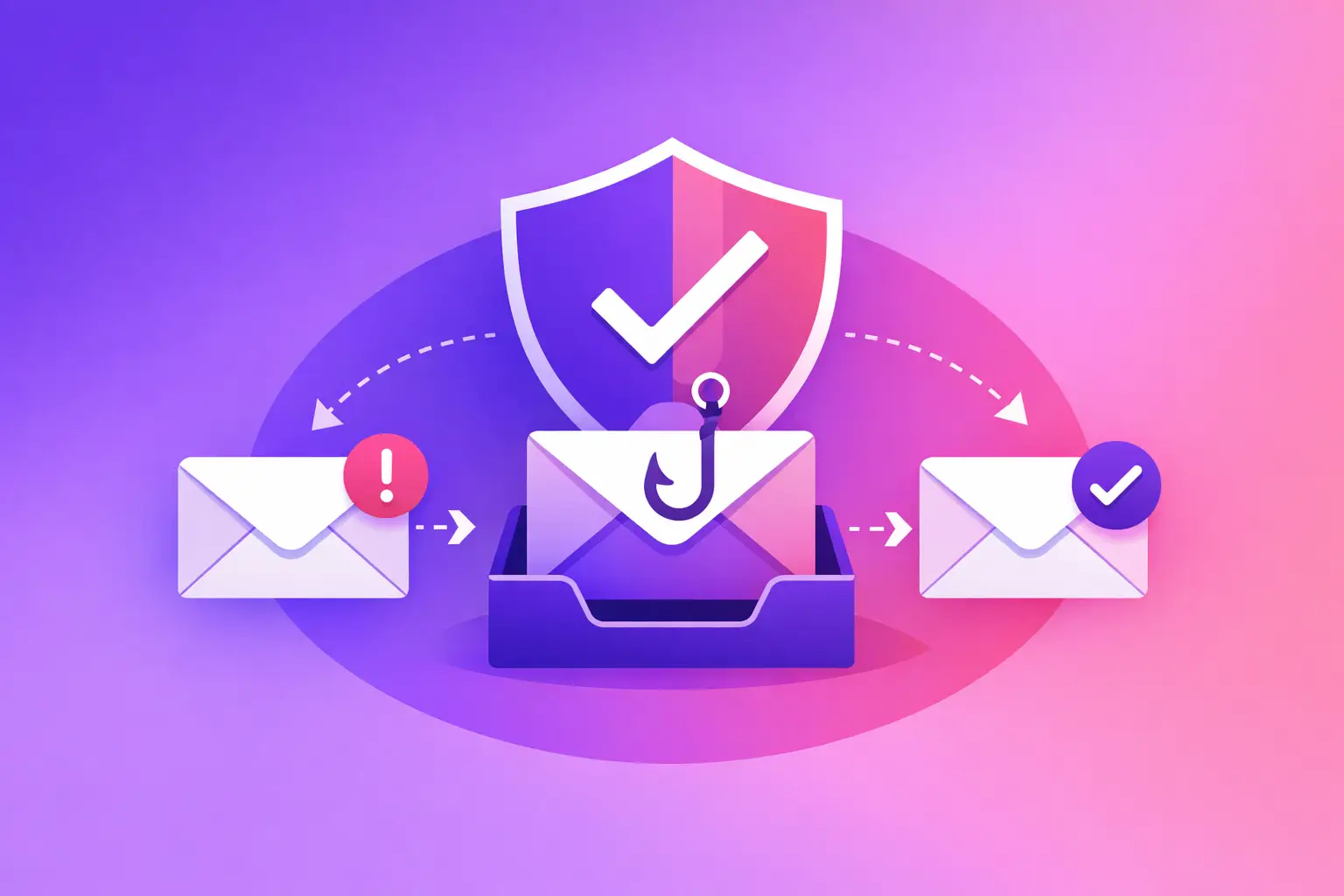
An invoice email can look normal right up to the moment someone clicks the payment link. The sender name may match a real vendor. The logo may be copied perfectly. A phishing email checker gives you a practical way to slow down, inspect the message, and decide whether it is safe before it reaches the person who can approve payment, share information, or open an attachment.
The straight answer is this: a good checker does not rely on one clue. It reviews the sender, the message details, the links, the request being made, and the technical signals behind the email. It can identify clear warning signs quickly, but it should also show you why a message looks suspicious. That explanation matters when your office needs to decide whether to delete a message, contact a vendor another way, or report it to IT.
What a phishing email checker actually checks
Phishing is a fraudulent email designed to make someone reveal information, send money, install harmful software, or sign in to a fake website. The message may impersonate a bank, shipping company, software provider, client, executive, or employee.
A phishing email checker evaluates the evidence around that message. Some checks are visible immediately. Others require looking at the message headers, which are the technical routing details attached to an email. You do not need to become an email administrator to understand the result. You need a plain-language answer about what does not match and what to do next.
The most useful checks usually cover five areas:
- Sender identity. Does the actual sending address match the name displayed in the inbox? A message labeled as coming from your accounting contact but sent from an unrelated domain deserves scrutiny.
- Domain lookalikes. Fraudsters often register addresses that replace, add, or rearrange a character. An address such as `payrnents.example` can appear legitimate at a glance because the letters “r” and “n” resemble an “m.”
- Links and attachments. A visible link label can say one thing while the destination points somewhere else. Unexpected attachments, especially files that ask you to enable content or sign in, also raise risk.
- Authentication results. Technical records can show whether a message was authorized to use the sender’s domain. Failed or misaligned checks are meaningful evidence, though they are not the only evidence.
- Message behavior. Sudden payment changes, password-reset notices you did not request, secrecy, pressure, and unusual urgency are common signals.
No single result proves every message is malicious. A legitimate sender can have a misconfigured domain. A carefully built phishing message can pass some technical checks. That is why the checker’s value is in combining the evidence instead of treating one green or red indicator as the final answer.
Start with the request, not the logo
A realistic logo is easy to copy. A reasonable business request is harder to fake convincingly over time.
Read what the message is asking you to do. Is it asking you to change bank information? Sign in through a new link? Buy gift cards? Release client records? Open a shared document you were not expecting? Those actions carry different levels of risk, but each deserves verification when the request is unusual.
For example, a real estate office may receive what appears to be a title or wire instruction update. A law office may receive an apparent document-sharing notice. A medical office may see a message that claims to be a patient portal alert. In each case, the attacker is relying on a normal business workflow and a busy employee.
Do not use the phone number, reply address, or link inside the suspicious email to verify it. Find a trusted contact method from a prior record, your vendor directory, or the company’s established website. A separate verification step is often the exact fix for a request that looks plausible but arrives out of pattern.
Inspect the sender address carefully
Your inbox may show only a display name such as “Microsoft Support” or “Accounts Payable.” That is not the full identity of the sender. Expand the sender details and review the actual email address.
Look for a domain that is slightly different from the expected one, an unfamiliar free email address, or a reply-to address that changes the destination of your response. A mismatch between the From address and Reply-To address is not automatically fraud. Some companies use separate systems for sending and receiving replies. But it is a reason to verify the message before acting, particularly if money or credentials are involved.
Be equally careful with messages sent from a compromised real account. If a known client suddenly asks you to open an unfamiliar file or pay a new account, the sender address may be genuine. In that situation, the request and the writing style become more important than the domain alone.
How email authentication helps identify impersonation
Email authentication gives receiving mail systems a way to evaluate whether a message is allowed to represent a domain. It is useful context for a phishing email checker, especially when someone is pretending to be a known company.
SPF, or Sender Policy Framework, is a DNS record that lists the mail servers allowed to send email for a domain. DKIM, or DomainKeys Identified Mail, adds a digital signature that allows the recipient to check whether parts of the message were changed after sending. DMARC, or Domain-based Message Authentication, Reporting, and Conformance, tells receiving systems how to handle messages that fail identity checks and provides reporting options.
When SPF, DKIM, and DMARC align, they strengthen confidence that the message was authorized by the visible domain. When they fail, a checker can flag the discrepancy. Still, treat the results with care. Smaller vendors may have incomplete authentication, and a successful authentication result does not guarantee that the business request itself is legitimate.
The practical rule is simple: failed authentication makes an unexpected message more suspicious. Passed authentication means you should continue checking the content, link destination, and request.
Check links before you visit them
A phishing page often imitates a familiar sign-in screen. Its goal is to collect the username, password, or one-time code that you enter. Do not open a questionable link just to see where it goes.
On a desktop computer, you can often hover over a link to preview its destination without clicking. Compare the actual domain with the company you expect. Be alert for extra words before or after a familiar brand name, unusual top-level domains, long random strings, and addresses that use a URL shortener when there is no clear reason to do so.
On a phone, link inspection is less convenient. That is a trade-off worth recognizing. If the request matters, move to a larger screen or type the known website address yourself instead of using the email link. If you already clicked but did not enter information or download anything, close the page and report the message. If you entered credentials, change the password through the real site and notify your IT team promptly.
What to do after a checker flags a message
A warning is useful only when it leads to a clear action. The right response depends on what the email contains and what, if anything, has already happened.
If you have not clicked, downloaded, replied, or shared information, preserve the email for review and report it through your company’s normal process. Do not forward it casually to coworkers, since forwarding can spread a harmful attachment or create confusion.
If you replied with routine information, notify the appropriate manager or IT contact so they can assess whether follow-up impersonation is likely. If you provided a password, financial detail, client information, or a one-time code, treat it as an active security incident. Change affected credentials using a known-good device if possible, contact your technology provider, and follow your company’s incident process.
For business owners and office managers, repeated phishing reports can point to a larger operational issue. Employees may need a simpler way to verify payment changes. Vendor contacts may need to be documented in one controlled place. Your own domain may also need stronger authentication so criminals have less opportunity to impersonate your business.
A checker is a decision tool, not a substitute for judgment
The best phishing email checker reduces uncertainty. It does not ask you to memorize every scam pattern or interpret raw headers on your own. It identifies mismatched domains, suspicious links, failed authentication, and risky language, then gives you a reasoned result.
But human context still matters. You know whether a vendor normally sends invoices from a certain address. You know whether a client was expecting a document. You know whether a payment request follows your established approval process. Use the technical result and your business knowledge together.
When a suspicious message needs a fast, plain-language review, use MailArrive Scam Check to verify the email before your team acts on it.