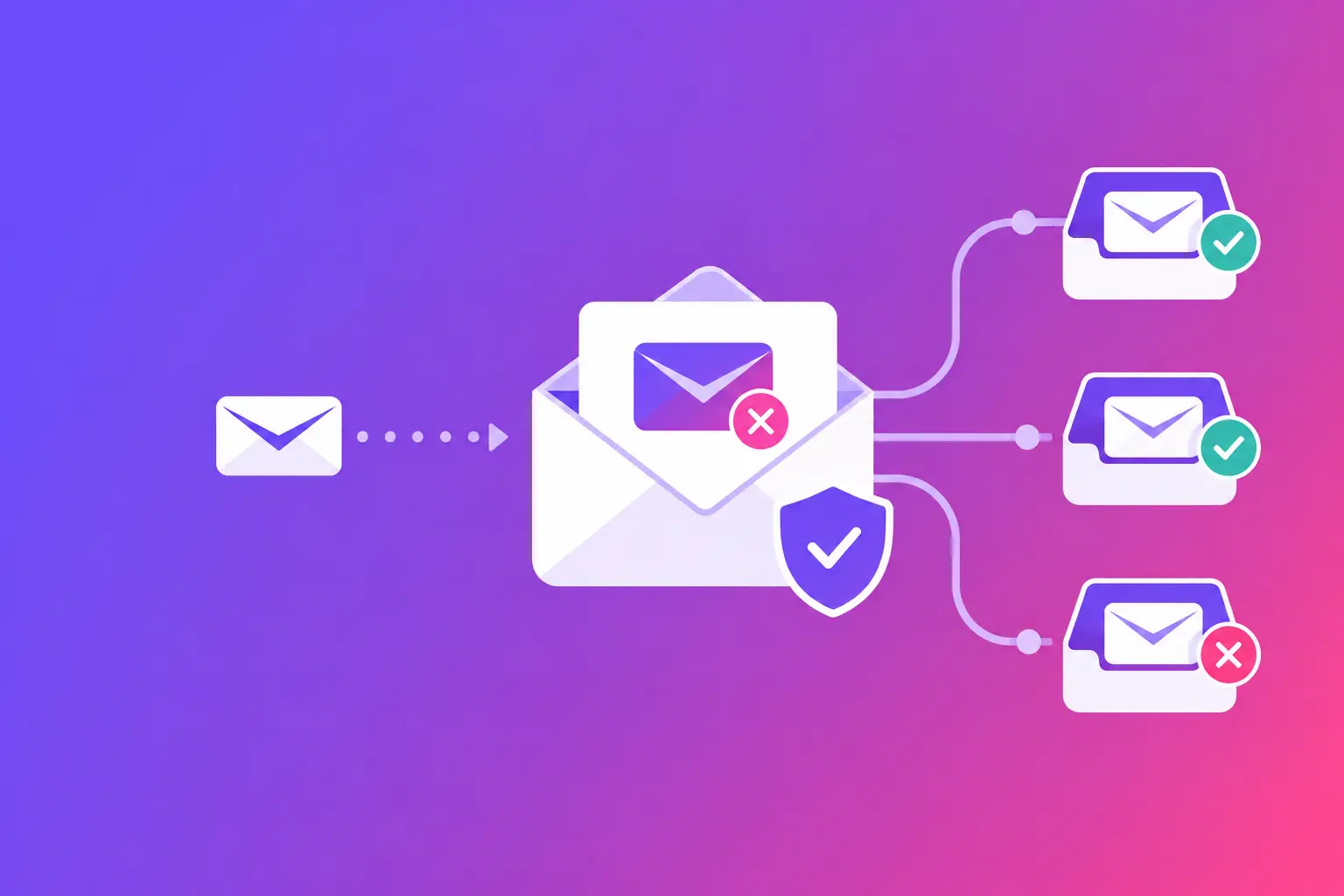
An accounts receivable manager had sent a time-sensitive invoice twice. The customer said nothing arrived, but the sender’s mail system showed both messages as accepted for delivery. This invoice email delivery case study explains the straight answer: an accepted message is not the same as an inboxed message.
The issue was not the invoice attachment or a simple typo in the recipient address. It was a combination of incomplete domain authentication, a mismatch between the visible From address and the technical sending path, and a message pattern that gave the recipient’s mail system too little reason to trust it.
For a small business, that gap has real consequences. An unpaid invoice may look like a payment problem when it is actually an email delivery problem. Before following up with a customer or resending the same message repeatedly, you need evidence about what happened after you pressed Send.
The business problem behind a missing invoice
This case reflects a common situation for service businesses. A company sends invoices from an accounting platform using an address such as billing@company.com. The visible sender looks correct. Staff members receive copies of the invoices. Internal tests appear normal.
Then a customer says the invoice never arrived. A second send does not help. A third send may create confusion if the first message is sitting in a junk folder or was delivered to another mailbox in the customer’s organization.
The first mistake is assuming the customer is wrong or that the accounting platform failed. Either can happen, but email has several checkpoints between the sender and the recipient. A message can be accepted by the recipient’s server, filtered to spam, quarantined by a security tool, rejected after an authentication check, or routed to an address that is technically valid but not monitored.
The practical question is not, “Did we send it?” It is, “What did the recipient’s mail system do with it?”
What the review found
The company used a third-party billing system to send invoice notices. Its staff also sent manual payment reminders from Microsoft 365. Both message types displayed the same company domain in the From field, but they did not use the same technical sending configuration.
The manual reminders passed authentication. The billing system messages did not consistently do so. That difference explained why one kind of invoice-related email was arriving while another was unreliable.
Three findings mattered most.
SPF did not cover the billing sender
Sender Policy Framework, or SPF, is a DNS record that tells receiving mail systems which servers and services are allowed to send mail for a domain. The company’s SPF record authorized its primary mailbox provider but did not include the billing platform.
That did not automatically mean every invoice would be rejected. Receiving systems weigh multiple signals. But it did mean the billing platform could not prove, through SPF, that it was approved to send on the company’s behalf.
The exact fix was to identify the billing platform’s authorized SPF include statement, confirm that it belonged in the company’s existing SPF record, and publish one consolidated record. Multiple SPF records for the same domain can create another failure, so this is not a place to add records blindly.
DKIM was missing on the automated messages
DomainKeys Identified Mail, or DKIM, adds a cryptographic signature to an email. The recipient’s server checks that signature against a public key published in DNS. In plain language, DKIM helps show that the message was sent through an approved system and was not altered along the way.
The manual messages had a valid DKIM signature. The invoices did not. The billing platform had a DKIM option, but the required DNS record had never been added after the account was set up.
This is a common handoff problem. The software is configured, the invoice template is approved, and the sender address is selected. The DNS step is left unfinished because it usually belongs to whoever manages the domain rather than whoever sends invoices.
The visible sender did not align with the technical sender
Domain-based Message Authentication, Reporting, and Conformance, or DMARC, tells recipient systems how to evaluate SPF and DKIM in relation to the domain your customer sees in the From address. It also lets a domain owner receive reports about messages claiming to come from that domain.
The company had a DMARC record, but its automated invoice messages used a technical return address from the billing provider’s domain. Since SPF did not pass for the company’s domain and DKIM was absent, there was no aligned authentication result to support the visible From address.
That is the key detail. A message can look legitimate to a person while lacking the technical proof that modern mail systems expect. The recipient’s filtering system may not reject it outright. It may simply place it in spam or quarantine, where an invoice is easy to miss.
Why resending did not solve the problem
The team initially resent the same invoice with a different subject line. That is understandable, but it did not address the source of the problem. The new message followed the same unauthenticated path and carried the same trust signals.
Repeated sends can also make troubleshooting harder. If customers receive several copies later, they may not know which one to pay. If a customer’s security system sees a burst of similar messages, the pattern can create more scrutiny, not less.
A better response is to pause, inspect the message path, and send a controlled test after the technical fixes are in place. Use a test recipient outside your organization when possible. Internal delivery is useful, but it does not represent how another company’s mail security handles your messages.
The investigation sequence that produced an answer
A good invoice delivery review starts with evidence, not assumptions. In this case, the team gathered the original sent message, the billing platform’s delivery event, and a copy of the message headers from a test mailbox.
The headers showed which server sent the message, whether SPF and DKIM passed, and how the receiving system evaluated DMARC. They also showed the return path and the actual sending domain. Those details can look dense, but they answer direct questions that an invoice screen cannot.
The review followed four checks:
- Confirm the recipient address and whether the mail system recorded a rejection, deferral, or acceptance.
- Compare the visible From domain with the return path and DKIM signing domain.
- Check SPF, DKIM, and DMARC records in DNS against the billing platform’s setup instructions.
- Send a new controlled test and review its authentication results before resuming routine invoice delivery.
This sequence distinguishes a domain issue from a recipient-specific issue. If authentication fails for every test, fix the sender configuration. If authenticated tests reach most recipients but one customer still does not see invoices, ask that customer to check junk, quarantine, forwarding rules, and the address used by its accounts payable team.
The fixes and the trade-offs
The company authorized the billing platform in its SPF record, added the required DKIM record, and configured the platform to sign messages using the company’s domain. It then reviewed DMARC alignment on a new test invoice.
The company also separated its sender roles. Routine invoices came from a consistent billing address, while manual follow-ups came from the accounts receivable team. Both used the same authenticated domain. This made the sender easier for customers to recognize and made message testing more repeatable.
Not every organization should immediately set DMARC to its strictest policy. A strict policy can block impersonation, but it can also interrupt legitimate mail from overlooked services such as scheduling tools, form providers, or customer relationship systems. The right approach depends on how many systems send mail for your domain and whether each has been inventoried and authenticated.
Related protections may also be worth reviewing. Brand Indicators for Message Identification, or BIMI, can display a verified brand indicator in some inboxes, but it is not an invoice delivery fix. Mail Transfer Agent Strict Transport Security, or MTA-STS, helps define secure transport expectations between mail servers. TLS Reporting, or TLS-RPT, provides reports about transport security failures. These records support a healthier mail program, but SPF, DKIM, and DMARC alignment should come first when invoice messages are failing trust checks.
What to change in your invoice workflow
Treat invoice email as an operational system, not just a button in accounting software. Document every platform that sends as your domain. That includes billing tools, payment portals, appointment systems, help desks, website forms, and marketing tools. If the list is incomplete, authentication gaps are likely.
Use a consistent From address that customers recognize. Make the invoice subject clear and specific, such as “Invoice 10482 from [Company Name],” rather than vague wording that could be mistaken for an unsolicited payment request. Include a real reply path so customers can ask questions without searching for a separate contact.
Also, keep a non-email fallback for genuinely urgent invoices. That might be a customer portal notification, a phone call, or a request to confirm the correct accounts payable address. This is not a substitute for proper email configuration. It is a sensible safeguard while you verify delivery.
Your next step is to run MailArrive’s free email health check and review the Report Card. It will grade your sending domain and show the exact SPF, DKIM, DMARC, DNS, and reputation issues that may be affecting invoice email delivery.