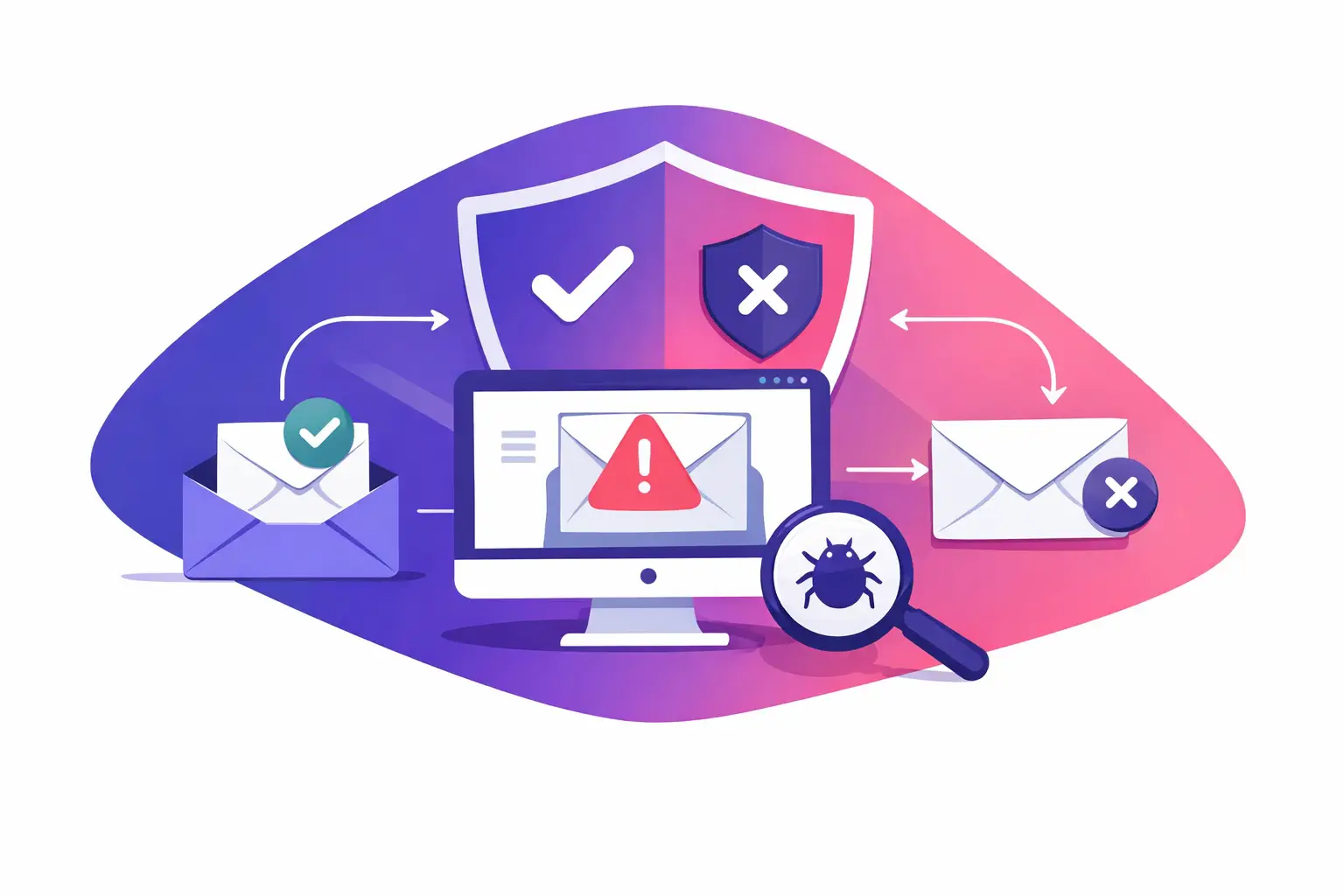
A blocklist alert is only useful if it tells you what happened, what business email is affected, and what to check next. The best email blocklist monitoring tools do more than scan a list of public databases. They give you a clear signal when your sending domain or sending IP address appears on a blocklist, explain the likely cause in plain language, and help you respond without guessing.
For a small or midsize business, this matters because a reputation problem can interrupt appointment reminders, invoices, sales follow-ups, client updates, and password resets. You may not know there is a problem until someone says they never received an email. Monitoring gives you a chance to investigate before unanswered messages become a larger operational issue.
What email blocklist monitoring should do
An email blocklist is a public or private list used by some mail systems to identify sending IP addresses or domains associated with unwanted, unsafe, or suspicious email activity. A listing does not mean every message will fail. It also does not prove your organization deliberately sent bad mail. Your mail server may share an IP address with another sender, an account may have been compromised, or a configuration problem may be causing recipient systems to distrust your messages.
The straight answer is that the best monitoring tool is not the one that shows the most technical data. It is the one that helps you separate a minor listing from an issue that needs immediate attention.
A useful tool should check both sending domains and IP addresses. Domain reputation follows the name people recognize, such as yourbusiness.com. IP reputation follows the server address that sends the message. Depending on how your email is hosted, you may control one, both, or neither directly.
It should also show when the status changed. A current listing is different from an old result, and a repeated listing points to a pattern worth investigating. Without timestamps and alert history, you are left with a snapshot instead of a diagnosis.
7 features to look for in the best email blocklist monitoring tools
1. Coverage that matches how you send email
Start with coverage. The tool should monitor the public blocklists that recipient mail systems are likely to reference, while checking the domain and the outbound IP addresses connected to your mail.
This sounds simple, but it is where many businesses lose visibility. Your marketing platform, customer relationship management system, website contact form, accounting system, and employee mailboxes may all send using different infrastructure. A tool that checks only one address can miss a problem elsewhere.
Before choosing a tool, make a short inventory of every system that sends mail as your domain. Include normal employee email, automated notices, forms, and third-party applications. Then confirm that the monitoring scope reflects that inventory.
2. Alerts that arrive soon enough to act
A report you need to remember to run is a check, not monitoring. Look for automatic alerts when a status changes, plus a regular summary that confirms the monitored assets remain clear.
Alert speed matters, but context matters more. A useful notice identifies the affected domain or IP, the blocklist involved, the time detected, and whether the listing is new or ongoing. It should not make your office interpret raw codes before anyone knows what is at risk.
The right frequency depends on your business. A law office sending time-sensitive client communications may want prompt alerts. A smaller business with low sending volume may value a daily status view. In either case, make sure alerts reach more than one responsible person. A reputation issue should not sit unread in a former employee's inbox.
3. A plain-English explanation of the likely cause
A blocklist status is a symptom, not an exact diagnosis. The listing itself may provide a reason, but you still need to investigate the sending environment.
Good monitoring tools help connect the alert to common causes: an unusual increase in sending volume, a compromised mailbox, a poorly configured application, an IP address with a shared reputation problem, or missing email authentication records. They should clearly distinguish between confirmed facts and possible causes.
That distinction protects your team from taking the wrong action. For example, changing a domain name will not fix a compromised account. Requesting removal from a blocklist without addressing the source can lead to another listing later.
4. Supporting domain health checks
Blocklist monitoring works best alongside other email health checks. Recipient systems consider more than reputation when deciding how to handle a message.
Sender Policy Framework, or SPF, identifies which servers are allowed to send mail for your domain. DomainKeys Identified Mail, or DKIM, adds a signed identifier to help show that a message was not changed in transit. Domain-based Message Authentication, Reporting, and Conformance, or DMARC, tells receiving systems how to handle messages that fail SPF or DKIM alignment.
These records will not automatically remove a blocklist listing. They do, however, make it easier for recipient systems to verify legitimate mail and can reveal configuration gaps that contribute to distrust. The best tools present these findings together so you can see the full picture instead of treating every alert as an isolated event.
5. Clear ownership and exact next steps
Your office needs to know who can fix the issue. Some problems are controlled by your email provider. Others belong to a marketing vendor, web host, internal IT team, or application developer. A monitoring tool should help you identify the affected asset and give you a practical starting point for the right owner.
Look for remediation guidance that is specific without making promises. It should tell you what to review, such as outbound mail logs, account sign-in activity, application credentials, DNS records, or reverse DNS settings. Reverse DNS is a record that connects a sending IP address back to a domain name. Some recipient systems use it as one signal of legitimate mail infrastructure.
Avoid tools that simply say "contact the blocklist" as the entire solution. That may be part of the process, but first you need to correct the reason for the listing.
6. History that helps you spot patterns
One listing may be tied to a temporary event. Repeated listings deserve a deeper review. Historical monitoring can show whether issues occur after a newsletter campaign, from a particular application, or on a particular sending IP.
This is especially useful for businesses that use several email systems. If one platform repeatedly appears in alerts while normal employee email does not, you have a more focused place to investigate. You can also document when a problem began, what you changed, and whether the change held over time.
7. A report nontechnical leaders can use
The people responsible for sales, client service, operations, and IT may all need the same status update. They do not all need the same level of technical detail.
Choose a tool that makes the current condition easy to understand at a glance, then provides the supporting details for whoever will investigate. A simple status, alert history, affected asset, and recommended action are more useful to an office manager than a page of unexplained server data. Your IT team can still use technical findings to make the repair.
How to respond when you receive an alert
Do not assume a blocklist alert means all mail has stopped. First, identify whether the listing concerns your domain, your sending IP, or both. Check which system sends through that asset and whether users are reporting bounces, delays, or spam-folder placement.
Next, review recent changes. Look for a new email campaign, a website form sending unexpected volume, a newly connected application, changed mail server settings, or suspicious account activity. If a mailbox may be compromised, secure the account and review its sending activity before requesting any reputation review.
Then verify the basics. Confirm your SPF, DKIM, and DMARC records are present and aligned with the services that send on your behalf. Check that automated systems use authorized sending paths. If your organization does not manage its own DNS records or mail server, send the findings to the provider or IT person who does.
Finally, document the incident. Record the alert date, affected asset, suspected cause, corrective action, and follow-up result. This creates a useful record if the same issue returns and prevents your team from repeating the same investigation.
The best choice depends on your sending setup
There is no single best fit for every business. If your organization sends from one managed platform, you may need simple domain and IP monitoring with clear alerts. If you send from several applications, use a tool that can track each sending source and connect reputation status to authentication and infrastructure checks.
The key is to choose monitoring that fits your actual email operation, not just your main employee inboxes. Your invoices, appointment notices, website forms, and marketing messages all represent your business when they arrive at a recipient's mail system.
For ongoing visibility into blocklist status and reputation changes, use MailArrive Blocklist Watch. It gives you a practical place to monitor what is happening and decide whether the next step is a simple correction or help from the team that manages your email infrastructure.