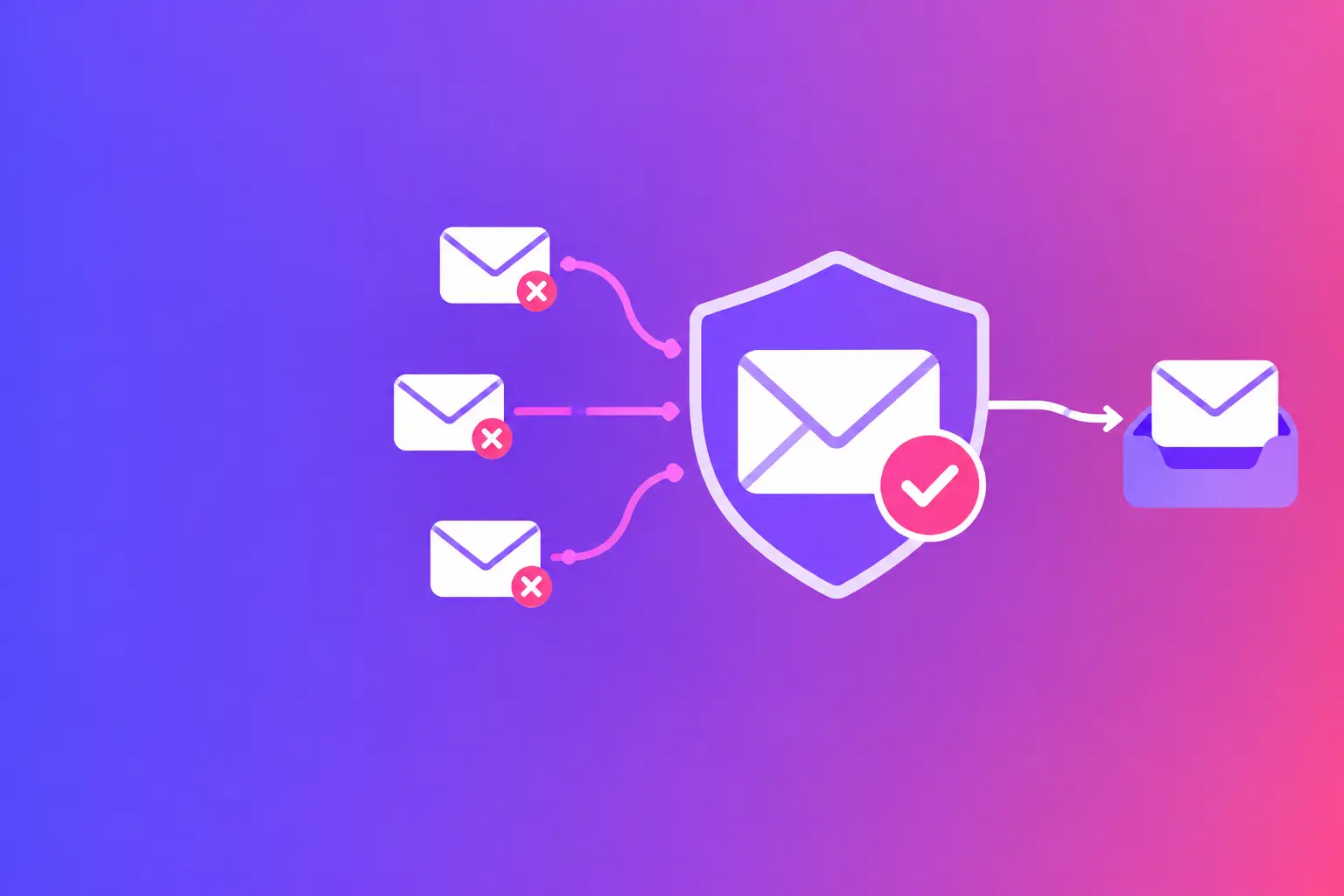
A fake message from your domain can look completely legitimate to a customer, vendor, or employee. The best domain spoofing protections make it much harder for outside senders to impersonate your business, while giving receiving mail systems a clear instruction for what to do with fraud.
The straight answer is that Domain-based Message Authentication, Reporting, and Conformance (DMARC) is the control that tells receivers how to handle unauthorized mail. But DMARC only works as intended when Sender Policy Framework (SPF) and DomainKeys Identified Mail (DKIM) are configured correctly and aligned with the domain people see in the From address.
What domain spoofing protection actually does
Domain spoofing is the use of your domain in an email's visible From address without your permission. A criminal may send an invoice request that appears to come from accounting, a password-reset notice that appears to come from your office, or an urgent wire instruction that seems to be from an owner or attorney.
Without authentication, the receiving mail system has little basis to distinguish your real message from an impersonator's message. It may accept both. Your customers then have to make the call, often with incomplete information.
The goal is not merely to publish a few technical records. The goal is to establish a verifiable sending identity and give mailbox providers a policy they can enforce. That requires three connected controls: SPF, DKIM, and DMARC.
The best domain spoofing protections work as a system
No single setting handles every form of email fraud. SPF verifies sending sources. DKIM verifies a cryptographic signature. DMARC checks whether one of those results matches the visible From domain and applies your stated policy. Each one covers a different part of the problem.
SPF: authorize the systems that send for you
SPF is a Domain Name System (DNS) record that lists the mail servers and services allowed to send email for your domain. If your company sends through a business mailbox provider, a customer relationship platform, an appointment system, or an invoice tool, each legitimate sender needs to be accounted for.
SPF is useful, but it has limits. A message can pass SPF using a different technical return-path domain while displaying your domain in the From field. SPF also has a limit of 10 DNS lookups. Too many included services can cause an SPF evaluation failure.
The exact fix is to inventory every service that sends as your domain, then publish one accurate SPF record. Do not create multiple SPF records. Receivers can treat that as an error. Remove services you no longer use, and make sure a vendor has provided its current SPF instructions before adding it.
DKIM: sign real messages so receivers can verify them
DKIM adds a digital signature to outgoing mail. The receiving server looks up a public key in DNS and verifies that the signed parts of the message have not been altered in transit. Unlike SPF, DKIM can often survive forwarding because the signature remains with the message.
Your mail platform may enable DKIM by default, but that does not mean every system sending for you signs with your domain. Marketing platforms, ticketing tools, and cloud applications commonly need separate DKIM setup. Check each service, not just your primary mailbox provider.
Use a strong key where your provider supports it, commonly 2048 bits. Also rotate keys when a provider supports rotation, especially after an account or vendor change. A stale or missing DKIM record can leave a legitimate sender unable to authenticate and can delay DMARC enforcement.
DMARC: set the rule and receive the evidence
DMARC uses SPF and DKIM results, then checks alignment. Alignment means the domain validated by SPF or DKIM matches, or is appropriately related to, the domain shown in the visible From address. This detail is why an SPF or DKIM pass alone does not necessarily protect your brand.
A DMARC record can request three policy levels. `p=none` asks receivers to collect data without taking action. `p=quarantine` asks them to treat failing mail with suspicion, often by sending it to spam. `p=reject` asks them to refuse mail that fails DMARC.
For most businesses, `p=reject` is the strongest practical protection against direct spoofing of the protected domain. It should not be the first setting you publish blindly. Start with reporting, find legitimate systems that are not aligned, correct them, and then move from monitoring to quarantine and reject. The pace depends on how many vendors and departments send email for your business.
DMARC reports show which systems are sending mail that claims to be from your domain and whether those messages pass authentication. They are valuable, but the raw files can be difficult to interpret. Focus first on unidentified senders, failed aligned mail from known systems, and unexpected countries or networks associated with your domain.
Protection gaps that SPF, DKIM, and DMARC do not close
DMARC protects your exact domain and, depending on your policy setup, related subdomains. It does not stop someone from registering a lookalike domain such as a misspelled version of your company name. It also cannot prevent display-name impersonation, where a criminal uses an executive's name with an unrelated email address.
This is why the best domain spoofing protections include operating procedures as well as authentication. Train staff to verify payment changes and sensitive requests through a known phone number or existing contact record. Do not rely on a reply to the suspicious email. A simple verification step can stop a request that technical controls did not catch.
You should also review domains that are similar to your name, particularly if your business handles payments, legal documents, patient communications, or real estate transactions. Whether to register defensive domains depends on your brand exposure, common misspellings, and budget. Authentication is still the priority for the domain you already use.
Add supporting controls without confusing their role
Several related standards improve email trust and transport security, but they are not substitutes for DMARC.
Brand Indicators for Message Identification (BIMI) can allow a verified brand logo to display in participating inboxes. It generally requires an enforced DMARC policy, along with other validation requirements that vary by mailbox provider. BIMI can reinforce brand recognition, but it does not block spoofed email on its own.
Mail Transfer Agent Strict Transport Security (MTA-STS) tells other mail systems how to securely deliver email to your domain using Transport Layer Security (TLS) encryption. TLS Reporting (TLS-RPT) provides reports about failures in that encrypted delivery process. These controls help protect mail in transit to your domain. They do not authenticate messages claiming to be from your domain.
Keep those purposes separate. If the concern is someone sending fake messages as your company, prioritize authenticated sending and an enforced DMARC policy. If the concern is secure inbound mail transport, evaluate MTA-STS and TLS-RPT as the next layer.
A practical rollout that avoids breaking legitimate mail
Start by documenting every source of outbound mail. Include individual employee mailboxes, marketing tools, forms, billing systems, customer portals, scanners, and third-party services that send notifications. Ask each department, because IT rarely owns every tool that sends customer-facing email.
Next, confirm that each sender has a valid SPF path or DKIM signature, preferably both. Then check DMARC alignment against the domain in the visible From address. This is the point where many otherwise working systems are found to be misconfigured.
Publish DMARC reporting first if you do not already have it. Review the reports over enough time to capture monthly invoices, campaigns, and automated notices. Correct known failures before moving the policy forward. When the data shows that legitimate sources authenticate consistently, move to quarantine and then reject.
Do not treat the project as finished once the record is published. A new vendor, a changed sending platform, or a forgotten legacy tool can create new failures. Review your configuration after major email-system changes and maintain ownership of the DNS records that control your domain.
If you need a plain-language starting point, run MailArrive's free email health check and review the Report Card. It grades your domain's authentication records and points to the exact fix before you change a policy that could affect legitimate mail.